How Can We Help? Let’s Talk!
Answer notes
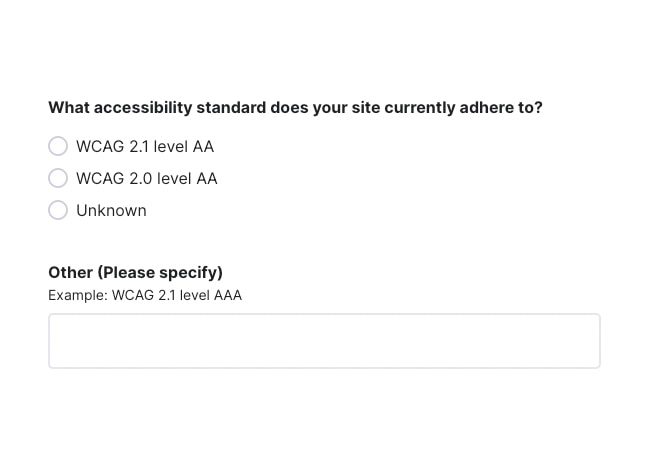
Orbit takes a realistic, accessibility-first approach to web design and development, with the goal of building a site that is tested for WCAG 2.2 AA compliance.
You may have requested another level of accessibility. This would go into the “Other” category.
Answer notes
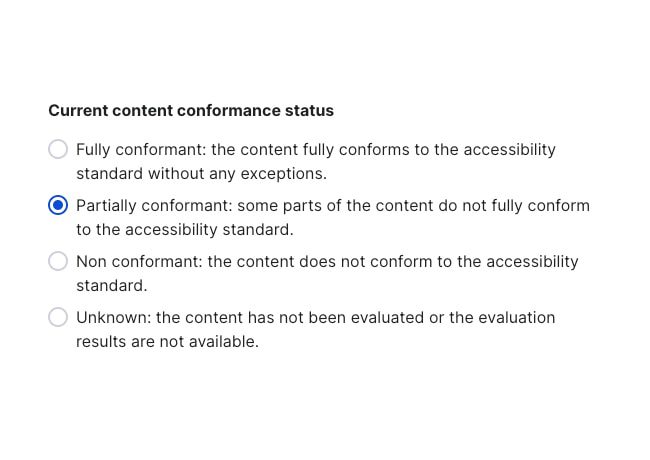
Choose the option that best aligns with your assessment of the new website’s accessibility conformance.
This is often “Partially conformant” because Orbit only tests a short list of key pages and features.
To be fully conformant, every URL on your website would need to be scanned and tested by a testing tool.

Answer notes
As we’ve guided you throughout the process, we’ve given you insight into what accessibility risks are possible for the pages we test and for unique features and functionality. Use those notes to complete this answer. Submit all issues individually.

Answer notes
We test your website on multiple browsers, devices, and screen sizes. Currently, Chrome, Safari and Edge are the most popular browsers. We test on the most recent versions of these browsers.
However, we test based on what your users use to access your website, and we gather this information from Google Analytics.
We document browser and device traffic in the Content Workbook so we know what to test when it comes time to test.

Answer notes
We test with one or more of the following assistive technologies:
- VoiceOver
- NVDA
- TalkBack

Answer notes
Orbit builds sites with the following technologies:
- HTML
- WAI-ARIA
- CSS
- Javascript
However, your 3rd party resources and embedded tools may use other technologies. It is recommended that you gather details from your vendors and include them in your answer.

Answer notes
Orbit plans, designs, develops, and conducts the accessibility audit for the key page templates.
Your team is responsible for conducting accessibility tests and assuring all pages meet the desired accessibility criterion.
If you plan to hire a 3rd party to conduct further testing, check all applicable boxes.

Answer notes
This depends on the tools you used for testing (i.e., siteimprove.com or accessibleweb.com) and how comfortable you are with sharing the results of your evaluations.