Orbit content entry
Entering new and existing copy, assigning images and videos to pages, creating all of the navigation menus, ensuring the URL structure is entered and preserved, etc.
In order to start content entry, we need a few things. Here are some questions to help you prepare for this step and ensure we have what we need to get rolling with this step.

Entering new and existing copy, assigning images and videos to pages, creating all of the navigation menus, ensuring the URL structure is entered and preserved, etc.
Moving large databases of existing content from your current website to the new website. Typically includes blogs, news, resource libraries, large teams, etc.
Teaching you to manage all of the content on your new website. You’ll do this in a development environment in the days leading up to the launch and on the live website after the launch.
Entering pages that you’ve been assigned in the content workbook as well as implementing edits during your review of other pages already entered.
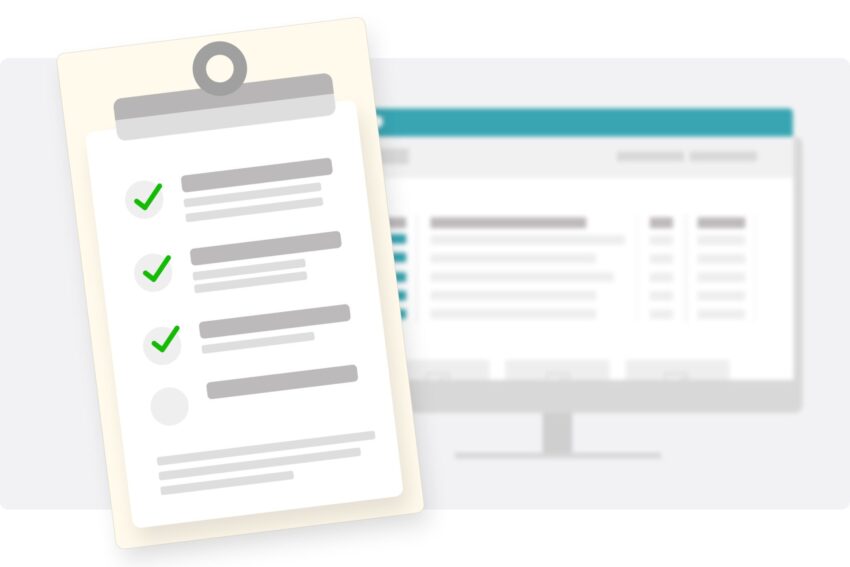
The reason we place so much emphasis on the content workbook in the early stages of the project is to prepare us (and you) for the content entry effort required for your project.
The workbook is critical for tracking priorities and progress against the documented content plan during content entry. For every page our team is responsible for entering, you’ll see a status in the Sitemap tab. We even include notes or details if any page is missing an element or needs someone’s attention.
With this tool, you’ll have a clear picture of the status of content entry simply by looking at the Sitemap tab in the workbook.
Like most elements of the project, we have a budget for content entry. Orbit will enter as much content as we possibly can within the budget we’ve been allotted (see your proposal).
Keep in mind that this step includes generating the links for all of the pages listed in your workbook in the CMS, ensuring URLs are maintained, adding links to menus, and entering words and digital assets on the pages we are assigned.
Your content entry effort will include reviewing the pages we’ve entered and correcting them — as well as entering any remaining pages according to the status in the content workbook.
You’re the one who will be managing your site — day-in and day-out — going forward. That’s why we deliver a comprehensive CMS training session specific to your unique site.
We’ll walk through how everything works, how to add and remove content, and tons of other goodies that help you get the most from your new site. We will also cover any custom elements on your site, like custom post types and unique mega menu navigation management.
This is the point at which your content responsibilities begin for the project.

It takes two
You’ve probably talked about content entry hours in scope over the course of your project — and this is where it matters. Our expert content coordinators are incredibly efficient and will enter content into your site for as many hours as are in scope.
However, you will likely have to enter some content (and we always recommend you do a few pages for practice). But don’t worry—we’ll make sure you’re trained and ready to go.
Let your Project Manager know! We’re always ready and willing to help you get across the finish line on time.
It’s go time!
We’ll enter content, provide you training, and then unleash your team on the website to complete content entry, flag any issues, and prepare your site for launch day.
Content entry takes time, so make sure your resources are ready when you get the green light to start entering content on your own.
After 80% of the content is entered and the features are completely programmed, Orbit will conduct browser and functionality testing as part of our pre-launch tasks.
Remember, once the content is entered on your website, you can always modify and change it. In fact, content updates are nearly inevitable.
So, we recommend focusing on the high-priority and high-traffic pages in preparation for launch. Then, after the website is live, you can take the time to tweak and finish your other pages.