How Can We Help? Let’s Talk!
Watch Andy explain this step in 2 minutes
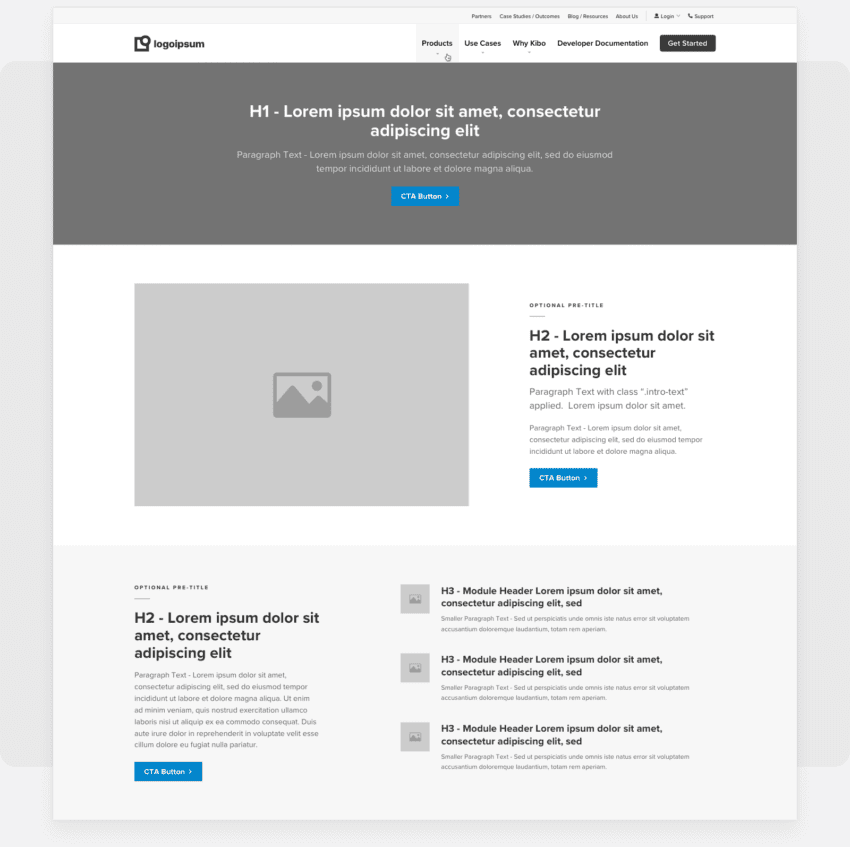
Layouts emphasize the structure of a page
Grayscale layouts focus less on color or feel (that happens in the design phase) and allow us to prioritize content.
- Incorporate draft conversion copy, on-page SEO, and messaging
- Visually show the flow of the content down the page
- Illustrate the strategic calls to action at identified key conversion points
- Ensures content is flexible and easy to update in a CMS
We select the initial layouts based on key factors
We’ll discuss these with you before we start working on them.
- Alignment on the overall project goals
- Highest performing pages based on data provided in Google Analytics
- Key service pages that help in defining the core page building tools needed for your website
- And they are typically pages that we’re responsible for writing copy
Let’s dive a little deeper with a demo of blocks, layouts, and WordPress
There are a lot of terms and pieces of the puzzle. This should help you connect the dots on the things your project team is talking about at this step and beyond.
- The difference between page layouts and page blocks
- What are the block types?
- How you will administer blocks
After the layouts presentation
We’ll confirm alignment on the overall direction of the layouts and copy, including:
- Information prioritization, messaging, and tone
- On-page SEO
- Calls to action
- Page blocks included
- General site structure, header and footer navigation
…and we’ll begin the design phase!
A few quick notes
Draft content reviewed in our Layouts Presentation can continue to be adjusted after layouts are approved and our team moves forward with designs. This content is available for editing in Google Documents and linked in your Content Workbook.
Also, moving blocks around is super easy! Adjust the order of blocks, words, calls-to-action, and more in the CMS after the website is built. You’ll learn it all during your CMS training.