Dive in within 24 hours of the training
Yes, there’s urgency here. Log in and enter a few pages right after CMS training so you can retain the information you learned by putting it into practice.
We’ll guide you through the core areas of the CMS — Where you’re likely to spend the most time managing content. We’ll show you how to:
NOTE: Depending on the size of your website, we may schedule your training in two parts so you won’t have to sit through a 2+ hour training. We got you!

Your login credentials and links to all the helpful CMS resources are provided during the CMS training in the training document.
Content entry and verifying the accuracy of the content entered is now a high-priority item for your team to get the website ready for launch.
Let’s roll!
Logging in
This is important. You must enter two layers of credentials when accessing the development environment.
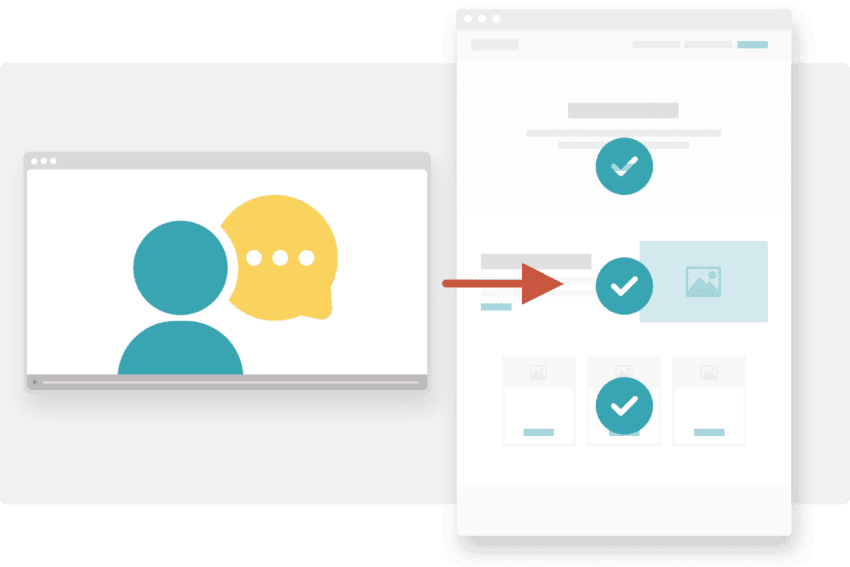
Your CMS training agenda document provides all of the credentials, but watch the quick video to learn how to gain access.
NOTE: After the website goes live, browser authentication is removed so your new website can be found and indexed by search engines, and the login URL is changed to yourdomain.com/getpwlogin.
Getting rolling
The process and scope of the remaining content entry might feel daunting at this point. There’s a lot to do, and sometimes there isn’t a large team supporting you.
Since content is often the #1 delay of a launch, here’s some advice.
Yes, there’s urgency here. Log in and enter a few pages right after CMS training so you can retain the information you learned by putting it into practice.
The content workbook is the roadmap for ensuring all content is fully entered into your development website. Use it, refer to it, and update it as you make progress. It’s the best way to keep your project manager updated and to know the status of all pages on your website.
Focus on the top-level pages. The most important pages. The high-traffic pages. The deep, low-traffic pages of the website can be edited and improved upon after the site is live.
At this point, we expect your key stakeholders will be aware of the project’s progress. If a key stakeholder has feedback which is a launch blocker please bring it to the attention of your PM. If the feedback does not impact the launch of the site it can be scoped and handled as an enhancement post-launch.
Prioritize wrapping up the legal review pages first so it doesn’t delay the launch. If it’s every page, let your PM know ASAP so we can discuss timing expectations.
It’s easy to get caught up in swapping and testing blocks, copy, and images on a page. Our rule of thumb is to ask yourself:
Move on and save the tinkering for post-launch.
As we’re nearing the end of the website development process, there may be many elements of the site that are still a “work in progress.” And… if we’ve trained you early for any reason, there might be many loose ends that we’re still tying up.
Here are some things you might notice on the development website as you’re working on content entry.
We work mostly in Chrome as we’re building the website, so if you’re working in another browser, you may see something that feels off. That’s okay because we’re scheduled for browser and functionality testing soon and those wonky things will be addressed then.
Ps. We recommend you use Chrome, too!
We may have yet to build some custom features on the website, so if you try accessing a page that we haven’t built yet, it will appear broken or may not even exist, yet. Try not to worry, we’re on it!
Our developers, designers, and coordinators may be working on any page at any given time. If you see a pop up that says someone else is editing the page, we recommend you wait until they are done and come back to it. The same goes for your internal content management team.
Let’s put the content workbook to work!
It’s time to begin entering and revising content on your development website. The “T2: Sitemap” tab is the way to understand page progress and status.
Need other columns to track status. Let’s chat!